
Let’s be honest, your inbox is probably a disaster right now.
I’m not judging. Mine was too until I discovered these tools.
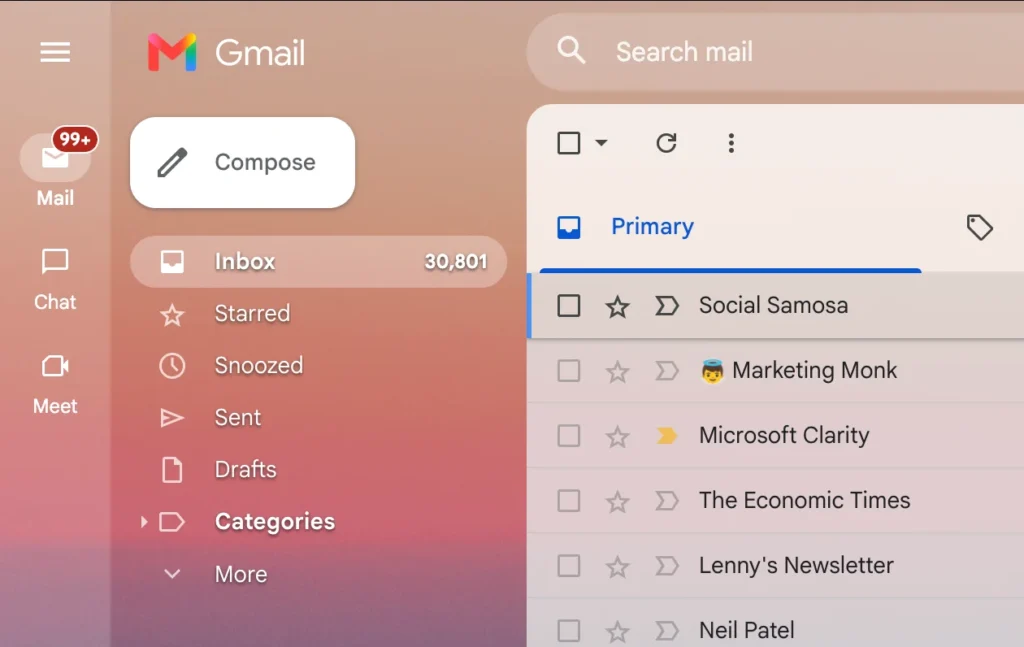
You know that feeling when you open your email and see 30,801 unread messages?
When important client emails get buried under promotional garbage?
When you spend 45 minutes every morning just trying to figure out what actually needs your attention?
Yeah, that was me. Every. Single. Day.
Here’s what changed everything.
I stopped trying to manually organize email and started using tools built specifically for this problem after coming the AI. And it helped me to save 6 Hours weekly (24 hours monthly).
This guide walks you through the 10 best AI-powered email management tools available right now, what makes each one special, and exactly who should use them.
- Why You Need an AI-powered Email Management Tool (And Who Doesn't)
- 5 Parameters for Choosing the Right Email Management Tool
- The 10 Best Email Management Tools (Tested and Ranked)
- 10 AI Email Management Tools — Comparison Table (2026)
- How to Choose – which one is best for you?
- Email Tools Won't Fix Bad Habits
Why You Need an AI-powered Email Management Tool (And Who Doesn’t)
Before we go into the tools, let’s talk about whether you actually need one.
You definitely need an email management tool if:
- You process 50+ emails daily and feel constantly overwhelmed
- Important messages get buried under newsletters and promotions
- You’ve missed deadlines because you didn’t see an email
- You manage shared inboxes with a team (support@, sales@, info@)
- You spend more than 30 minutes daily just organizing email
- Your inbox gives you genuine anxiety
You probably don’t need one if:
- You get fewer than 20 emails per day
- Your current system (Gmail, Outlook) works fine for you
- You don’t have email-related stress or missed messages
- Your workflow doesn’t depend on quick email response times
Here’s the fact that email management tools aren’t magic.
They won’t turn you into a productivity superhero overnight.
But if email is genuinely slowing you down or causing stress, the right tool makes a massive difference.
5 Parameters for Choosing the Right Email Management Tool
Before you commit to any email management tool, evaluate it against these five criteria:
1. Your Primary Pain Point
Different tools solve different problems:
- Speed and prioritization: Superhuman, Shortwave
- Automation and filtering: SaneBox, Clean.Email
- Team collaboration: Front, Missive, Hiver
- Task management from email: Sortd
Identify your biggest frustration first. Don’t pick a collaboration tool if your real problem is inbox clutter.
2. Email Provider Compatibility
Some tools only work with specific providers:
- Gmail-only: Sortd, Hiver, Shortwave
- Gmail + Outlook: Superhuman, SaneBox, Clean.Email
- Works with any IMAP: Clean.Email, SaneBox
Check compatibility before getting excited about features.
3. Individual vs. Team Usage
Solo tools (Superhuman, SaneBox) work completely differently from team tools (Front, Missive). Team tools include shared inboxes, assignment, and collaboration features you’ll never use if you work alone and you’ll pay for them unnecessarily.
4. Price vs. Value Calculation
Email tools range from $3.49/month to $30/month per user. Ask yourself:
- How much time will this save me weekly?
- What’s my hourly rate?
- Does the time saved justify the cost?
A $30/month tool that saves you 5 hours monthly is worth $150+ in time value if your rate is $30/hour.
5. Learning Curve and Setup Time
Some tools work immediately (SaneBox, Clean.Email). Others require training and configuration (Front, Sortd). If you need results today, not next month, prioritize simple setup.
The 10 Best Email Management Tools (Tested and Ranked)
1. Superhuman – Best for High-Volume Power Users
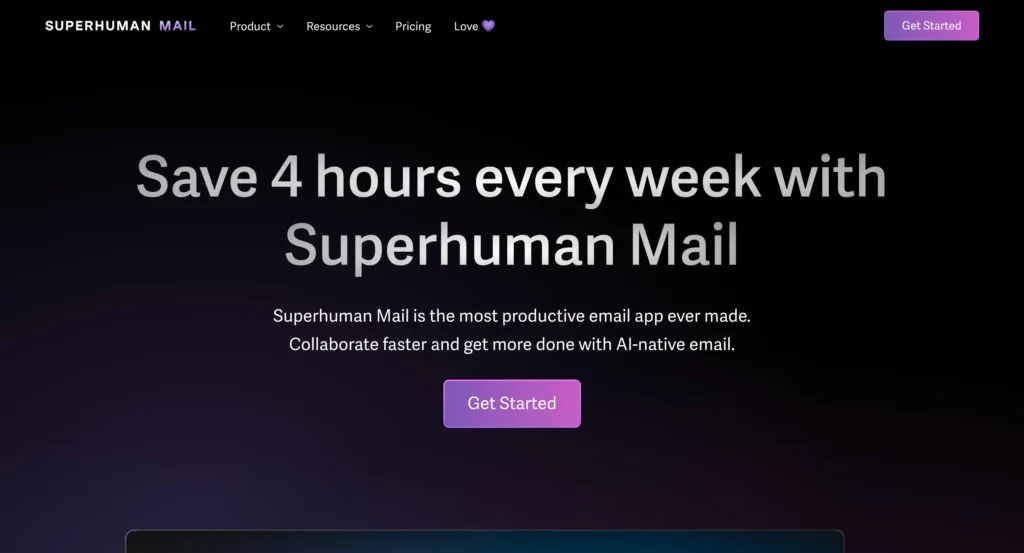
If you’re drowning in 100+ daily emails and need to process them at lightning speed, Superhuman is the Ferrari of email clients.
What It Does: Superhuman completely replaces your Gmail or Outlook interface with something dramatically faster. The magic inbox automatically separates important messages from noise. Lightning-fast search finds any email in milliseconds. Keyboard shortcuts mean you never touch your mouse. AI reads and summarizes messages so you get the essence without full reading.
Key Features:
- AI-powered prioritization that learns what matters to you
- Instant search finding emails from years ago in 1-2 seconds
- Complete keyboard navigation workflow
- Undo send (retract emails up to 30 seconds after)
- Read-receipt tracking showing when someone opens your email
- Works with both Gmail and Outlook
Pricing: $30/month
Pros:
- Dramatically faster email processing
- Beautiful, minimal interface reduces cognitive load
- Excellent prioritization learning system
- Outstanding customer support
Cons:
- Expensive compared to alternatives
- No attachment organization or file management
- Overkill for casual email users
Best For: Executives, founders, and professionals handling 100+ daily emails who value time over money and need priority messages surfaced immediately.
2. Spark Mail – Best Free Alternative to Superhuman
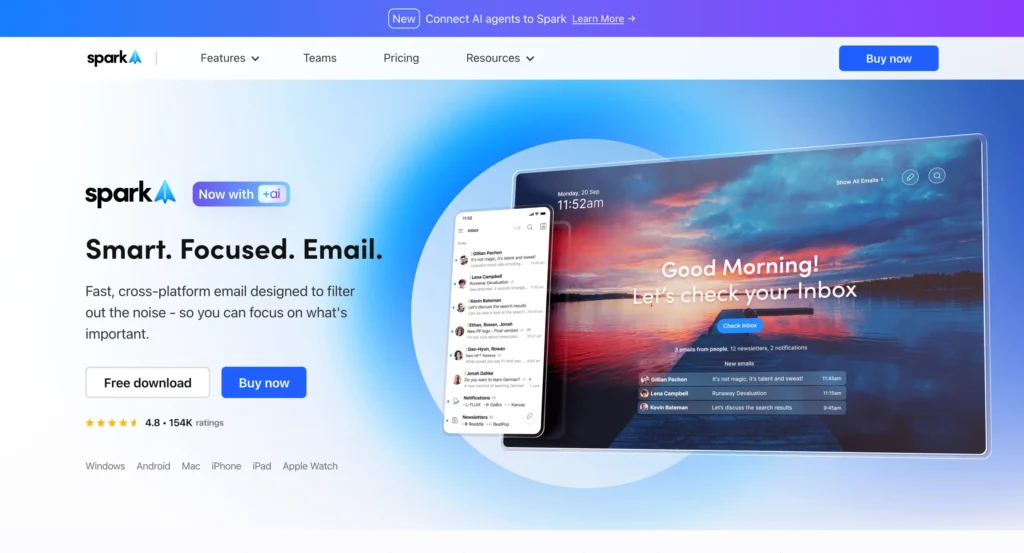
Spark gives you smart inbox organization without the premium price tag. The free tier includes priority inbox separation, and the paid tiers add AI writing assistance and team collaboration.
What It Does: Smart Inbox automatically categorizes messages into Personal, Notifications, and Newsletters. The AI writing assistant helps compose and edit emails. Team features include shared drafts, email assignments, and private comments on threads. Snooze, send-later, and follow-up reminders keep you organized.
Key Features:
- Smart Inbox with automatic categorization
- AI writing assistant for composing
- Shared inboxes for team collaboration
- Cross-platform: Mac, iOS, Android, Windows
- Collaborative email drafting
Pricing: Free (Premium from $4.99/month individual, $9.99/user/month for teams)
Pros:
- Excellent free tier with smart organization
- Much cheaper than Superhuman with similar features
- Team collaboration features at reasonable price
- Cross-platform availability
Cons:
- AI features behind paywall
- Not as polished as Superhuman
- Some features feel less refined
Best For: Individuals and small teams wanting smart inbox organization without paying Superhuman prices. Perfect for students, freelancers, and small businesses.
3. SaneBox – Best for Email Filtering and Smart Cleaning
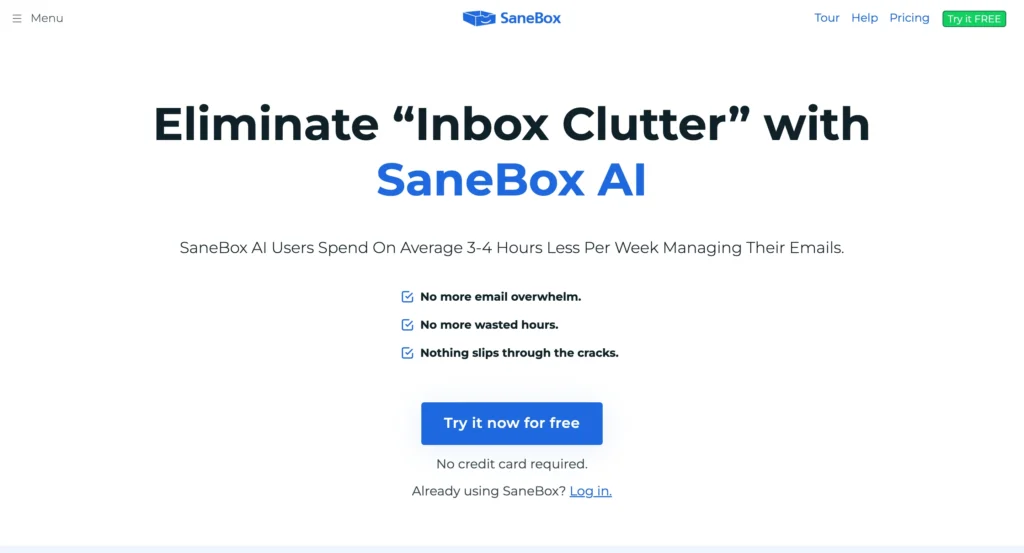
SaneBox is like hiring an AI assistant who obsessively organizes your email 24/7. It learns your patterns and automatically filters unimportant messages away from your main inbox.
What It Does: Uses AI to automatically sort incoming emails. Important messages (boss, clients, professors) stay in your main inbox. Everything else – newsletters, promotions, receipts – gets moved to separate folders you check when convenient. Works with any email provider (Gmail, Outlook, Yahoo, iCloud). No rules to configure, no complex setup.
Key Features:
- SaneLater folder for unimportant emails
- SaneBlackHole to permanently block senders
- Snooze folders returning emails at specified times
- SaneReminders for follow-up tracking
- Works in background, zero manual work
Pricing: Starting at $7/month
Pros:
- 5-minute setup, works immediately
- Learns patterns automatically, no training needed
- Works with any email provider
- Massive time savings (5-10 hours monthly reported)
- Reduces email anxiety significantly
Cons:
- Costs money (though minimal)
- Initial training period of few days
- Works best with consistent email patterns
Best For: Anyone with inbox overwhelm from promotional emails, newsletters, and noise drowning out important messages. Especially great for students managing .edu inboxes and remote workers.
4. Clean.Email – Best for Bulk Cleaning and Automation
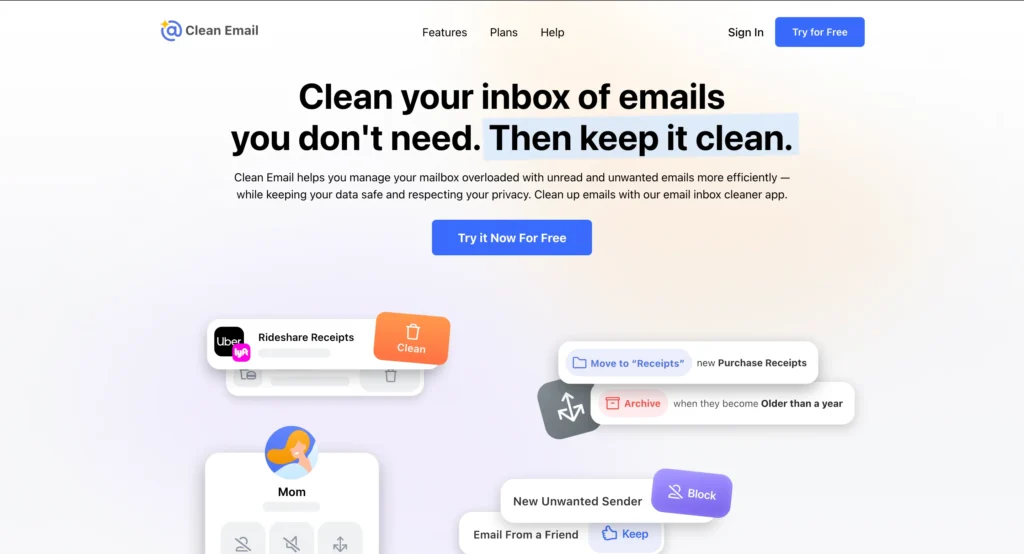
If your inbox has thousands of old messages and you need a fresh start, Clean.Email is your nuclear option.
What It Does: Provides complete tools to organize, automate, and maintain your inbox. Smart Views group similar emails (social media updates, old messages, large attachments). Quick Clean lets you bulk delete, archive, or label thousands of emails instantly. Auto-Clean rules run 24/7 keeping inbox tidy automatically. Privacy Guard checks if your email appeared in data breaches.
Key Features:
- Smart Views categorizing emails intelligently
- Bulk unsubscribe from multiple senders at once
- Auto-Clean rules running in background
- Read Later folder for interesting content
- Privacy Guard breach monitoring
- Works with any IMAP provider
Pricing: Starts at $7/month
Pros:
- Fast bulk cleaning of massive inboxes
- Powerful automation rules
- Privacy-first design (only reads metadata)
- Cross-platform: web, iOS, Android
- Great for inbox zero goals
Cons:
- No native desktop app (browser only)
- Takes time to master all features
- Pricing increases with multiple accounts
- Initial sync slow on huge inboxes
Best For: Anyone with 5,000+ unread emails needing a complete reset. Perfect for people who signed up for too many newsletters and want automated cleanup.
5. Sortd – Best for Turning Email into Tasks
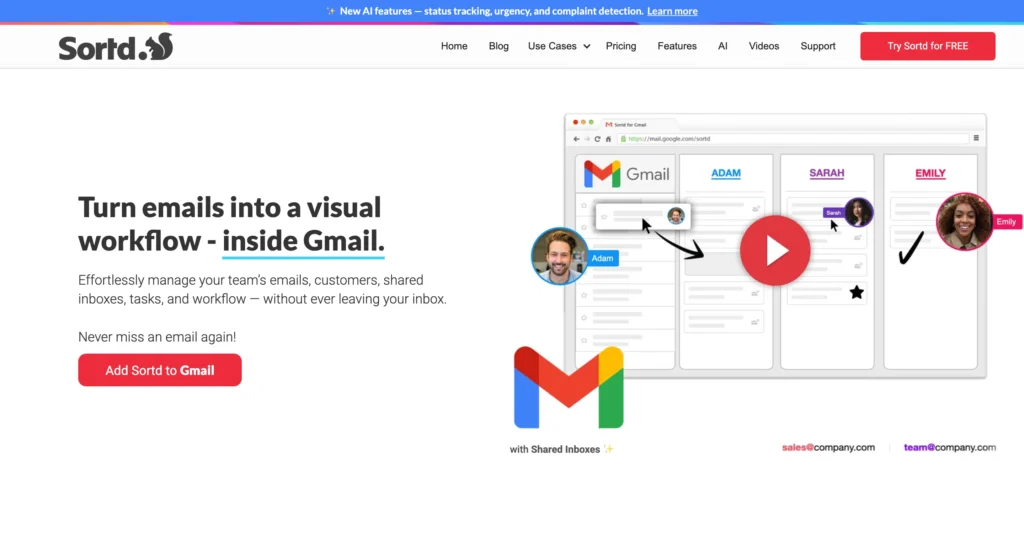
Sortd transforms Gmail into a task management system. If you want Trello-style boards living inside your inbox, this is your tool.
What It Does: Gmail add-on turning your inbox into functioning project management. Drag emails onto kanban-style boards to convert them into task cards. Add deadlines, assign to team members, attach notes. View Switch toggles between normal Gmail and Board view. Shared mailboxes let teams collaborate on incoming messages.
Key Features:
- Drag-and-drop task manager in Gmail
- Kanban boards with status columns
- Card details: deadlines, assignments, notes, reminders
- Shared inbox management
- Calendar integration
- Daily planner view
Pricing: Free plan available; Essentials at $10/user/month; Business at $15/user/month
Pros:
- Great for visual task management
- Accountability through assignments
- Time management with reminders
- Context on cards reduces alignment time
- Useful free tier for solo users
Cons:
- Cards can’t exist on multiple boards simultaneously
- No automatic email-to-folder filtering
- Most useful features only on paid version
- 6-month history limit on lower tiers
Best For: Project managers and teams using email as primary workflow tool. Great for agencies, consultancies, and operations teams coordinating via email.
6. Shortwave – Best AI-Powered Gmail Enhancement

Built by former Google engineers frustrated with Gmail, Shortwave replaces the Gmail interface with something significantly smarter.
What It Does: Natural language AI search lets you describe what you’re looking for (“that PDF from David about Q3 budget”) instead of exact keywords. Automatic email bundling groups shipping updates, receipts, and similar messages. AI thread summaries give you the essence without reading entire conversations. Keyboard shortcuts throughout the interface.
Key Features:
- AI-powered natural language search
- Automatic email bundling by type
- AI thread summaries for quick scanning
- Complete keyboard navigation
- AI assistant for drafting replies
- Built specifically for Gmail
Pricing: $7/month (personal), $14/month (pro)
Pros:
- Dramatically better search than native Gmail
- Smart bundling reduces inbox clutter
- Former Google engineers understand Gmail deeply
- Fast, lightweight interface
- Great keyboard shortcuts
Cons:
- Gmail only (no Outlook support)
- Less established than competitors
- Fewer features than full-service tools
Best For: Gmail power users frustrated with Google’s native search and organization who want something smarter without switching email providers entirely.
7. Front – Best for Customer-Facing Teams
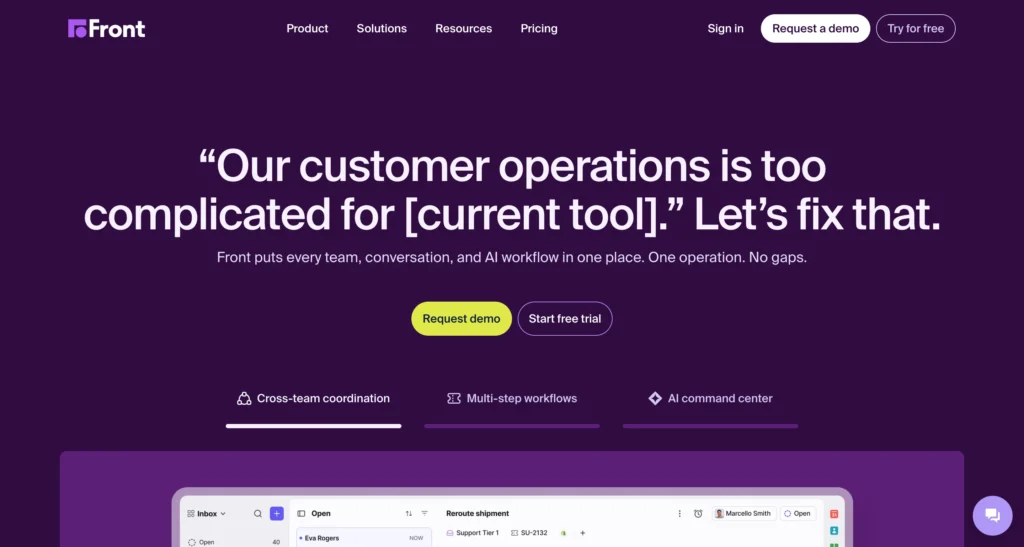
Front is the heavyweight champion for teams where email is the business. Customer support, sales, and success teams handling external communication at scale.
What It Does: Unified platform consolidating email, SMS, social media, and chat into shared team inboxes. Routing rules automatically assign conversations to the right person. AI generates draft replies and analyzes sentiment. SLA tracking ensures nothing falls through cracks. Deep CRM integrations (Salesforce, HubSpot, Jira).
Key Features:
- Shared inboxes across email, SMS, social, chat
- Automatic routing and assignment rules
- AI-generated drafts and response suggestions
- SLA tracking with analytics dashboard
- CRM and helpdesk integrations
- Team performance analytics
Pricing: Starter at $25/user/month
Pros:
- Unifies all customer communication channels
- Powerful automation and routing
- Excellent analytics and reporting
- Enterprise-grade reliability
- Strong integration ecosystem
Cons:
- Enterprise-grade pricing to match
- Complex setup for small teams
- Overkill for teams under 5 people
- Steeper learning curve
Best For: Customer support, success, and service teams managing high volumes of external communication across multiple channels. Not for individual use or tiny teams.
8. Missive – Best for Team Email Collaboration
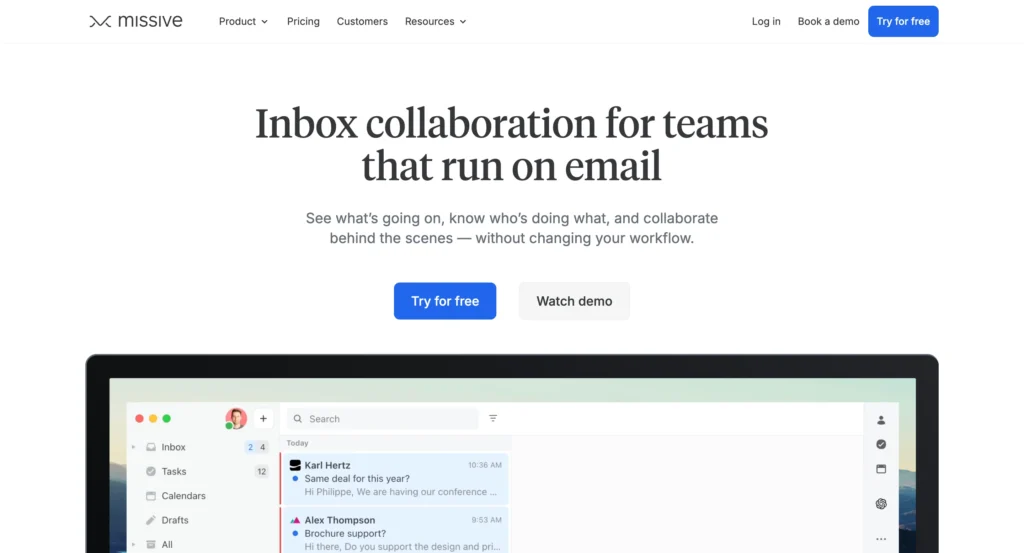
Missive turns email into a collaborative workspace where multiple team members work on shared inboxes without chaos.
What It Does: Real-time collision detection shows when someone is already drafting a reply, preventing duplicate responses. Internal chat threads attach directly to email conversations, keeping context together. Task assignment and follow-up reminders ensure accountability. Shared templates and canned responses for consistency. AI writing assistant built in.
Key Features:
- Shared inboxes with collision detection
- Internal chat threads on email conversations
- Task assignment and follow-ups
- Shared templates library
- AI writing assistance
- Real-time team collaboration
Pricing: Starter at $18/month, Productive at $30/month, Business at ~$36/month
Pros:
- Prevents team members from duplicating work
- Internal discussions stay with email context
- Great for shared addresses (info@, sales@)
- Reasonably priced for small teams
- Clean, intuitive interface
Cons:
- Value is in collaboration features only
- Overpaying if you don’t need shared inboxes
- Limited automation compared to Front
- Fewer integrations than enterprise tools
Best For: Support, sales, or operations teams of 3-10 people managing shared email addresses who need coordination without enterprise complexity and cost.
9. Hiver – Best Gmail-Based Help Desk
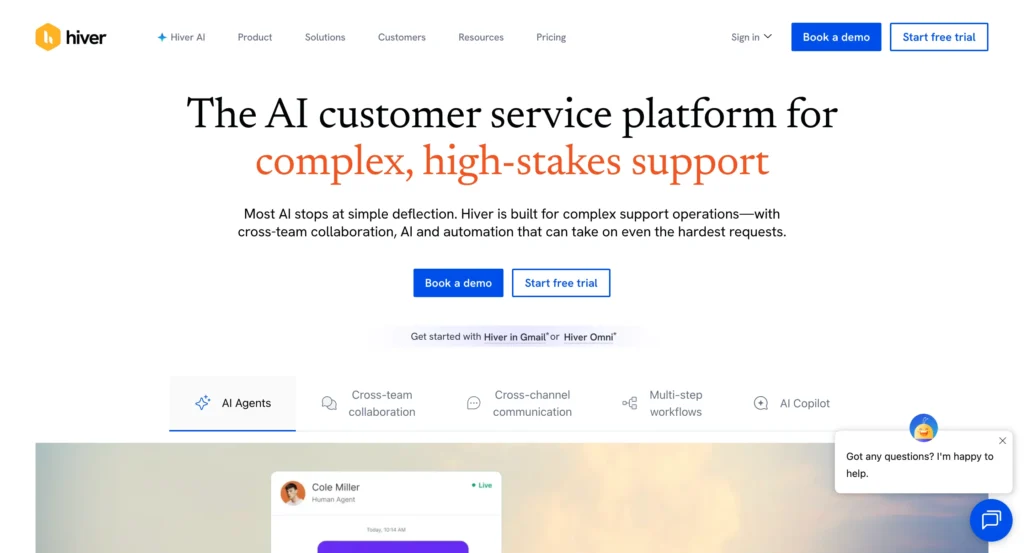
Hiver brilliantly transforms Gmail into a full help desk without leaving the familiar Gmail interface.
What It Does: Integrates seamlessly into Gmail interface with minimal learning curve. Email delegation assigns messages to team members directly from Gmail. Shared notes enhance communication among team members working on same issues. Analytics provide clear performance visibility. Integrations with Asana and Slack for improved collaboration.
Key Features:
- Native Gmail integration
- Email delegation and assignment
- Shared notes on conversations
- Performance analytics dashboard
- Asana and Slack integrations
- Help desk functionality in Gmail
Pricing: Starts at $15/user/month
Pros:
- Works entirely within Gmail (no context switching)
- Minimal learning curve for Gmail users
- Delegation improves team accountability
- Good analytics for performance tracking
- Familiar interface reduces resistance
Cons:
- Gmail-only (useless for other providers)
- Limited compared to standalone help desks
- Features feel restrictive for complex workflows
- Not suitable for multi-channel support
Best For: Small to medium teams already using Gmail who need basic help desk functionality without migrating to a completely new platform like Zendesk.
10. Gmail – Best for Simplicity and Integration
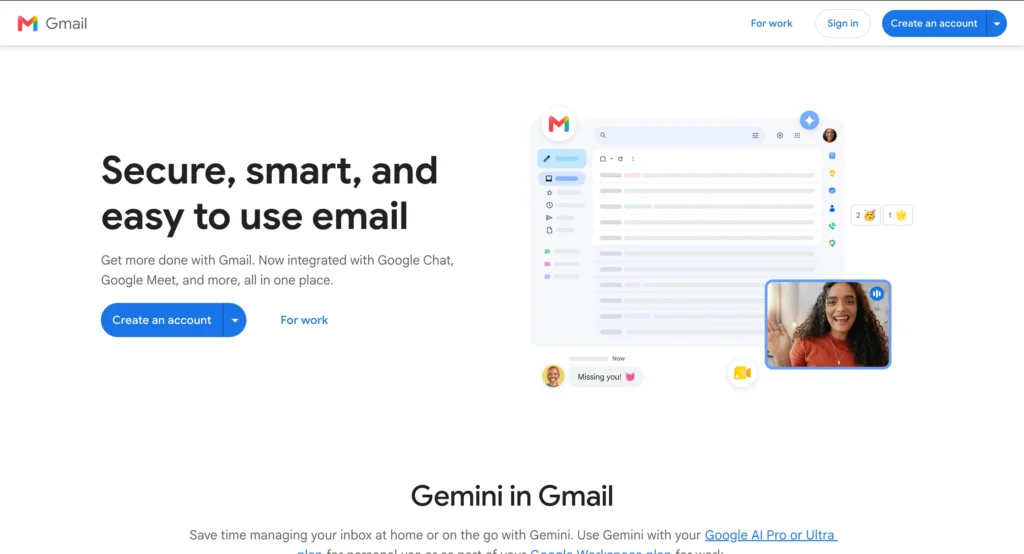
Yes, plain Gmail. Sometimes the built-in tools are actually enough, and adding complexity hurts more than helps.
What It Does: Clean, fast email interface with tight Google Workspace integration (Drive, Calendar, Docs, Meet). Labels and filters for organization. Smart composition suggestions. Strong spam filtering. Excellent search functionality. Free for personal use, business plans from $7/month.
Key Features:
- Google Workspace integration
- Labels and filters for organization
- Smart composition
- Strong spam filtering
- Reliable search
- Free personal accounts
Pricing: Free for personal; Business plans from $7/month
Pros:
- Free for personal use
- Familiar interface everyone knows
- Tight Google ecosystem integration
- Strong spam filtering out of box
- No learning curve whatsoever
Cons:
- Limited team collaboration features
- Google Groups not real shared inbox
- Labels vs folders confuse some users
- No advanced automation without add-ons
Best For: Individual users with straightforward email needs who don’t require advanced filtering, team collaboration, or specialized features. Also great as the base platform for third-party tools.
10 AI Email Management Tools — Comparison Table (2026)
| Tool | Best For | AI Features | Email Providers | Starting Price | Free Plan | Team Use | Platforms | Key Limitation | Ideal User |
|---|---|---|---|---|---|---|---|---|---|
| Superhuman | High-speed email processing | AI prioritization, smart read summaries, snippet previews, AI triage | Gmail, Outlook | $30 / month | No | No | Mac, Windows, Web, iOS, Android | No attachment or file management. No team inbox. | Executives, founders processing 100+ emails daily |
| Spark Mail | Smart inbox on a budget | AI writing assistant, smart inbox sorting, AI reply suggestions | Gmail, Outlook, iCloud, Yahoo, IMAP | Free / $4.99 / month | Yes | Yes | Mac, iOS, Android, Windows | AI features only on paid plan. Less polished than Superhuman. | Individuals and small teams on a budget |
| SaneBox | Automated email filtering | AI pattern learning, auto-sort, SaneLater, follow-up reminders | Gmail, Outlook, Yahoo, iCloud, IMAP | $7 / month | No | No | Works inside existing email client | Needs a few days to fully learn patterns. Individual-only. | Professionals drowning in newsletters and promotions |
| Clean.Email | Bulk inbox cleaning | Smart Views AI grouping, Auto-Clean rules, Privacy Guard breach alerts | Gmail, Outlook, Yahoo, iCloud, IMAP | $7 / month | No | No | Web, iOS, Android (no desktop app) | No native desktop app. Slow initial sync on large inboxes. | Anyone resetting a cluttered inbox with thousands of old emails |
| Sortd | Email-to-task management | AI not a core feature. Task cards, deadline tracking, assignments | Gmail only | Free / $10 / user / month | Limited | Yes | Chrome extension (Gmail only) | No auto email-to-folder. Cards cannot exist on multiple boards. | Project managers and ops teams using Gmail as workflow hub |
| Shortwave | Smarter Gmail interface | Natural language AI search, AI thread summaries, AI draft replies, auto-bundling | Gmail only | $7 / month | No | No | Web, iOS, Android | Gmail only. No Outlook or other provider support. | Gmail power users frustrated with native Google search and sorting |
| Front | Customer-facing team communication | AI draft generation, sentiment analysis, smart routing, CRM AI sync | Gmail, Outlook, SMTP, SMS, social, chat | $25 / user / month | No | Yes | Web, Mac, Windows, iOS, Android | Enterprise pricing. Complex setup. Overkill for small teams. | Customer support and success teams managing high-volume communication |
| Missive | Shared inbox team collaboration | AI writing assistant, collision detection, smart reply drafts | Gmail, Outlook, IMAP, SMS | $18 / month | No | Yes | Web, Mac, Windows, iOS, Android | Value is in shared inboxes only. Overpaying if used solo. | Teams managing shared addresses like info@, support@, sales@ |
| Hiver | Gmail-based help desk | AI email delegation, shared notes, performance analytics, Slack integration | Gmail only | $15 / user / month | No | Yes | Gmail interface, Web, iOS, Android | Gmail only. Limited vs. standalone help desks like Zendesk. | Small teams needing help desk inside Gmail without migration |
| Gmail | General everyday email | Smart Compose, spam filtering, search suggestions, Google Assistant integration | Gmail (Google Workspace) | Free / $7 / month (Business) | Yes | Limited | Web, Mac, Windows, iOS, Android | No real shared inbox. Weak team collaboration. Labels confuse users. | Individuals and small businesses with basic email needs |
Pricing reflects base paid plans as of 2026. Features may vary by tier. Always verify current pricing on each tool’s official website
How to Choose – which one is best for you?
Still not sure which tool fits? Use this decision tree:
If you’re an individual user:
- Processing 100+ emails daily → Superhuman
- Drowning in promotional emails → SaneBox or Clean.Email
- Want better Gmail search → Shortwave
- Need task management → Sortd
- Budget-conscious → Spark Mail (free tier)
If you’re a team:
- Customer support at scale → Front
- Shared inboxes 3-10 people → Missive
- Gmail users needing help desk → Hiver
- Project management via email → Sortd
If you’re unsure:
- Start with SaneBox or Clean.Email free trials
- They work with any provider and show immediate value
- If you need more, layer additional tools later
Email Tools Won’t Fix Bad Habits
Here’s the uncomfortable truth that email management tools are powerful, but they’re not magic.
If you respond to every email immediately, check your inbox every 5 minutes, and never set boundaries, no tool will save you. You’ll just be overwhelmed faster with better organization.
The tools in this guide work best when combined with basic email discipline:
- Check email at designated times (not constantly)
- Use templates for common responses
- Unsubscribe ruthlessly from newsletters you don’t read
- Set clear expectations for response times
- Accept that some emails can wait until tomorrow
That said, if you’re already trying to practice good email habits but drowning anyway, these tools genuinely help. I’ve personally used six of the ten tools listed here, and the time savings are real.
Start with one tool that addresses your biggest pain point. Give it two weeks of honest use. If it’s not clearly saving you time and reducing stress, move on to the next one.
Your inbox doesn’t have to be a source of daily anxiety. The right tool combined with reasonable boundaries makes email manageable again.
Now go pick one and actually try it. Your future self will thank you.
Also Read:
- 10 Best Free AI Tools for Small Business Social Media Management in 2026
- How to Use Google Omni for AI Video Generation
- Google Mixboard: 15 Ways AI Generates Visual Concepts Fast
- Pomelli by Google: 3 Steps to On-Brand Marketing Content
- What is NotebookLM? Complete Guide to Google’s Best AI Tool
- Google Opal Review: Is This AI No-Code App Builder Actually Worth Your Time?